Keep the formatting.
A well-written reply deserves to stay that way. Save rich text with bold, italics and links intact.
The clever prompt. The perfect reply. That little bit of code. Give the things you use again a home on your Mac.
Available on the Mac App Store · macOS 26.2+
 Saved. Sorted. Ready when you are.
From a useful line of code to the reply you write every week.
Make it easy to find, and even easier to use again.
Bring your snippets together in collections that work the way you do. By project, topic, or whatever makes sense to you.
A well-written reply deserves to stay that way. Save rich text with bold, italics and links intact.
Turn a pasted URL into a useful reference with a title, description and favicon fetched for you.
Your last five clipboard items, close at hand. Save the useful ones as snippets before you move on.
Turn on iCloud sync to bring your collections and snippets to your other Macs.
A proper Mac app, from your collections to your menu bar.
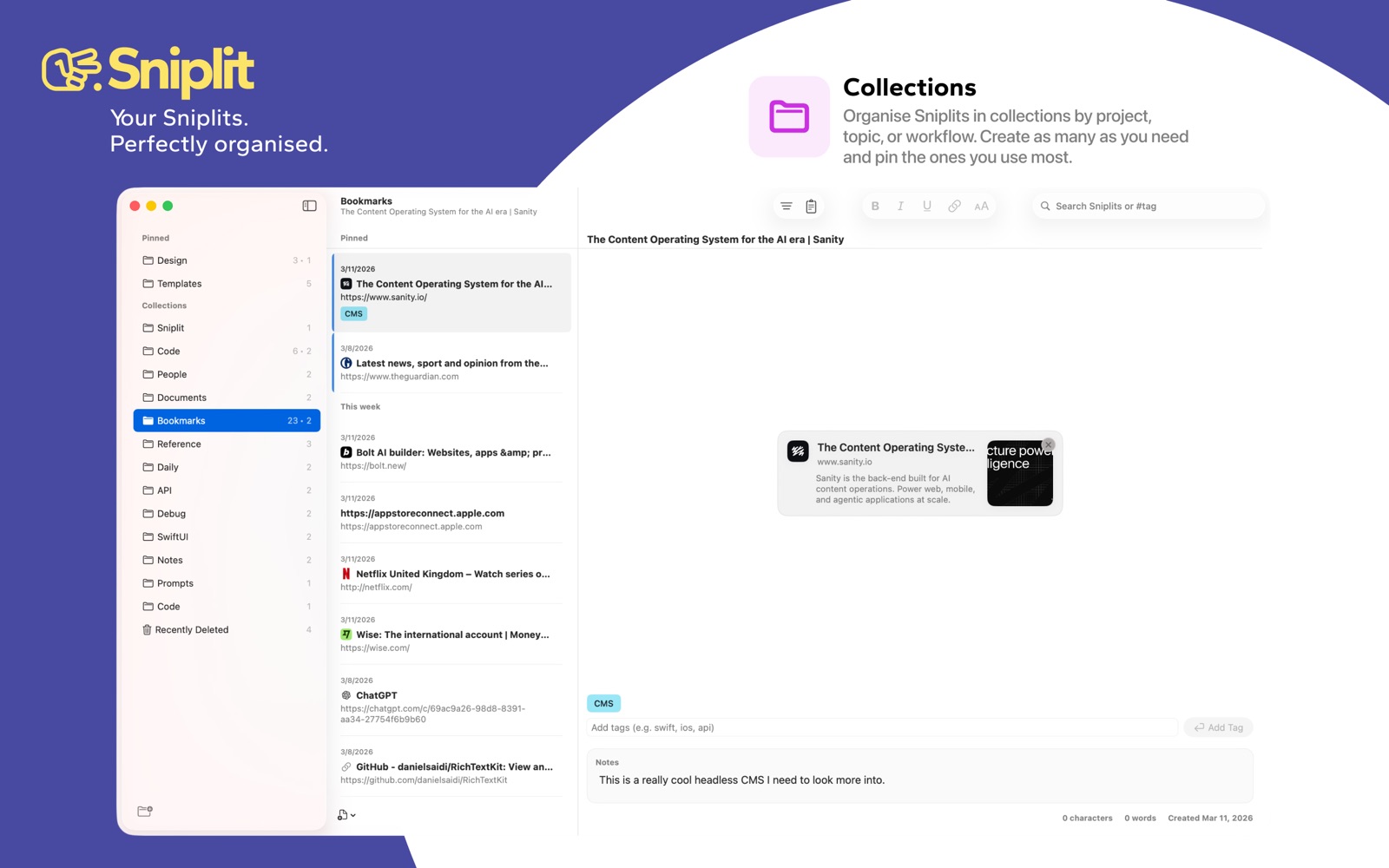
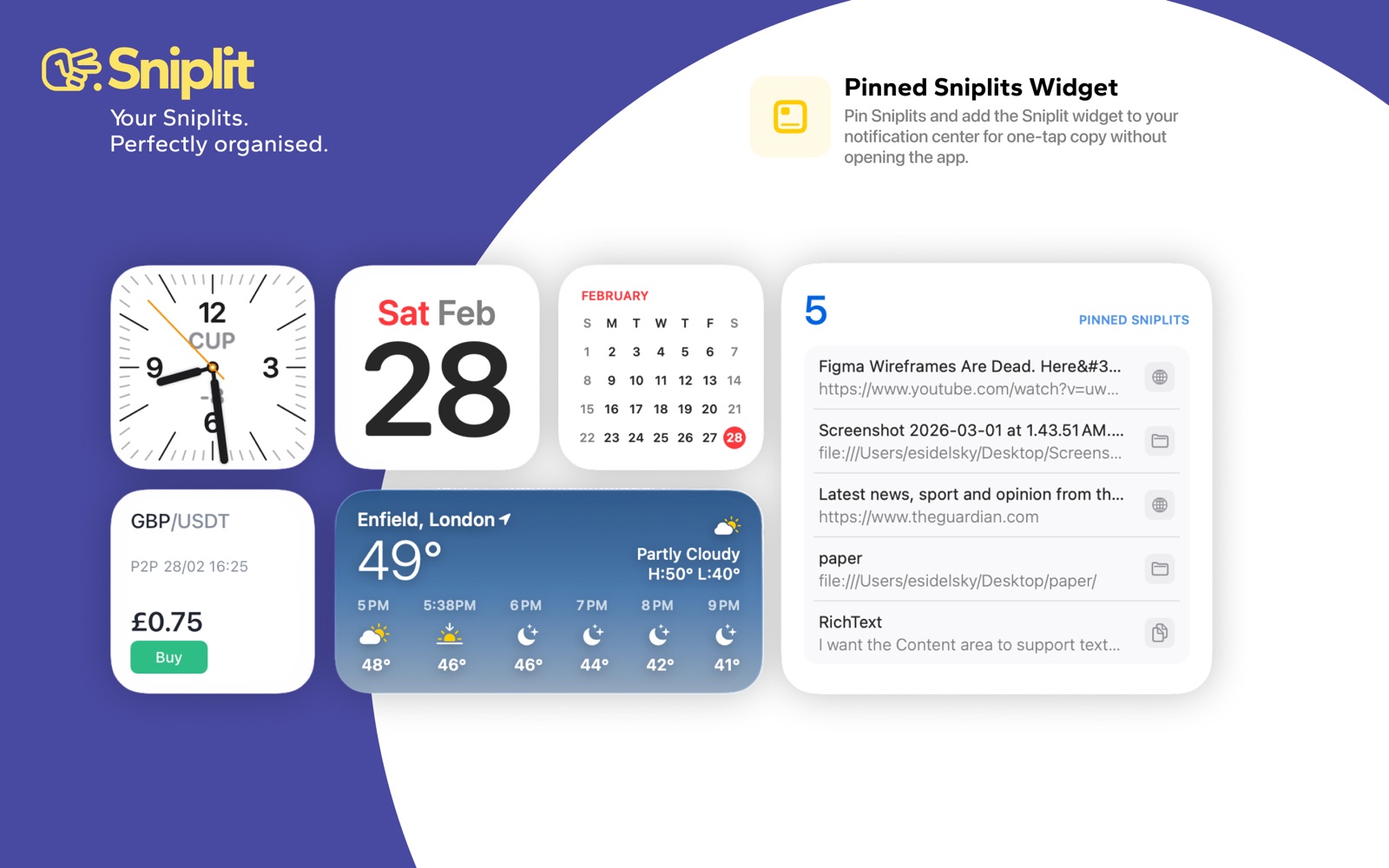
The real app. A few of the little things that make your day easier.
A note, a link, a prompt, a reply. If you’ll use it again, give it a home.
Browse your collections, search your snippets, or jump straight to your pins.
Reach for Sniplit in your menu bar or use the widget. Your next task is waiting.
Keep reusable text, code, AI prompts, notes and links. Organise them into collections, add tags, and pin the snippets you reach for most.
Sniplit requires macOS 26.2 or later. You can find the latest compatibility and pricing information on the Mac App Store.
Yes. Enable iCloud Sync in Sniplit’s settings and use the same iCloud account on your Macs. You can also keep your snippets local with sync turned off.
Yes. Open Settings → General and switch off Clipboard History. Clipboard history stays on your device.
Your favourite words are worth keeping.
Get Sniplit for Mac